
Why skip the converter
Many “PDF to audio” tools upload your file, turn it into an MP3 and hand it back. Then you have a file to manage:
- You find it, move it to your phone and open it in a player.
- The player knows minutes, not pages. There’s no way to see where you are in the text.
- Your PDF went to someone’s server, which matters for work documents.
Luni skips all of that. The PDF stays a PDF, and listening to it works like an audiobook.
How it works
- Open the PDF in Files or Mail, tap Share and pick Luni.
- Press play. Lock your phone and put it in your pocket.
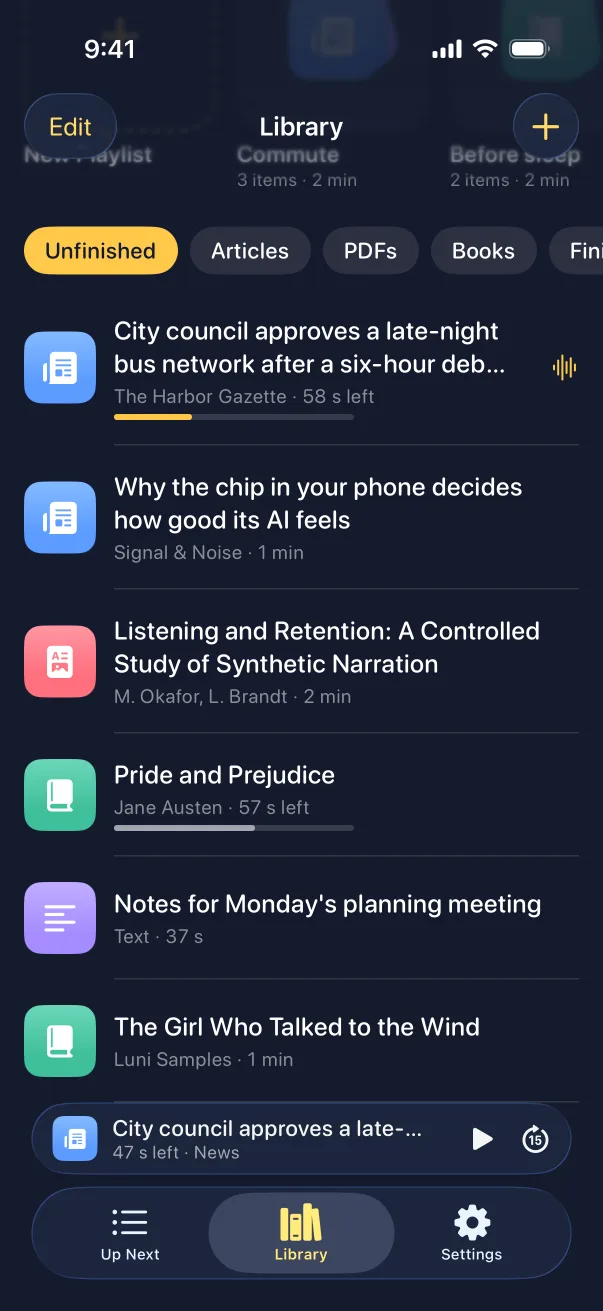
What Luni does with the PDF
- Reads only the text. Page numbers, running headers, footnotes, captions, tables and formulas are left out.
- Gets papers right. The title page and the references are skipped, so it starts at the abstract and stops at the end of the paper.
- Keeps paragraphs whole. A paragraph that runs on to the next page isn’t cut in two.
- Remembers your place. Stop on the bus, pick up at lunch.
- Shows where you are. The sentence being read is highlighted. Tap any sentence to jump there.
- Sets the pace. From 0.75× to 2×, with a sleep timer.
A PDF podcast for your commute
Share a few PDFs, and Up Next plays them one after another, through your headphones or the car’s Bluetooth. It works with no signal, because the voices run on the iPhone.
MP3 export is coming in a later update. For now Luni plays your PDFs in the app, and if you need an audio file to send someone today, use a converter.